Your site works from the first minute on its
yourname.names.legal address. Connecting a domain of your own
adds an address; it does not replace or move anything.
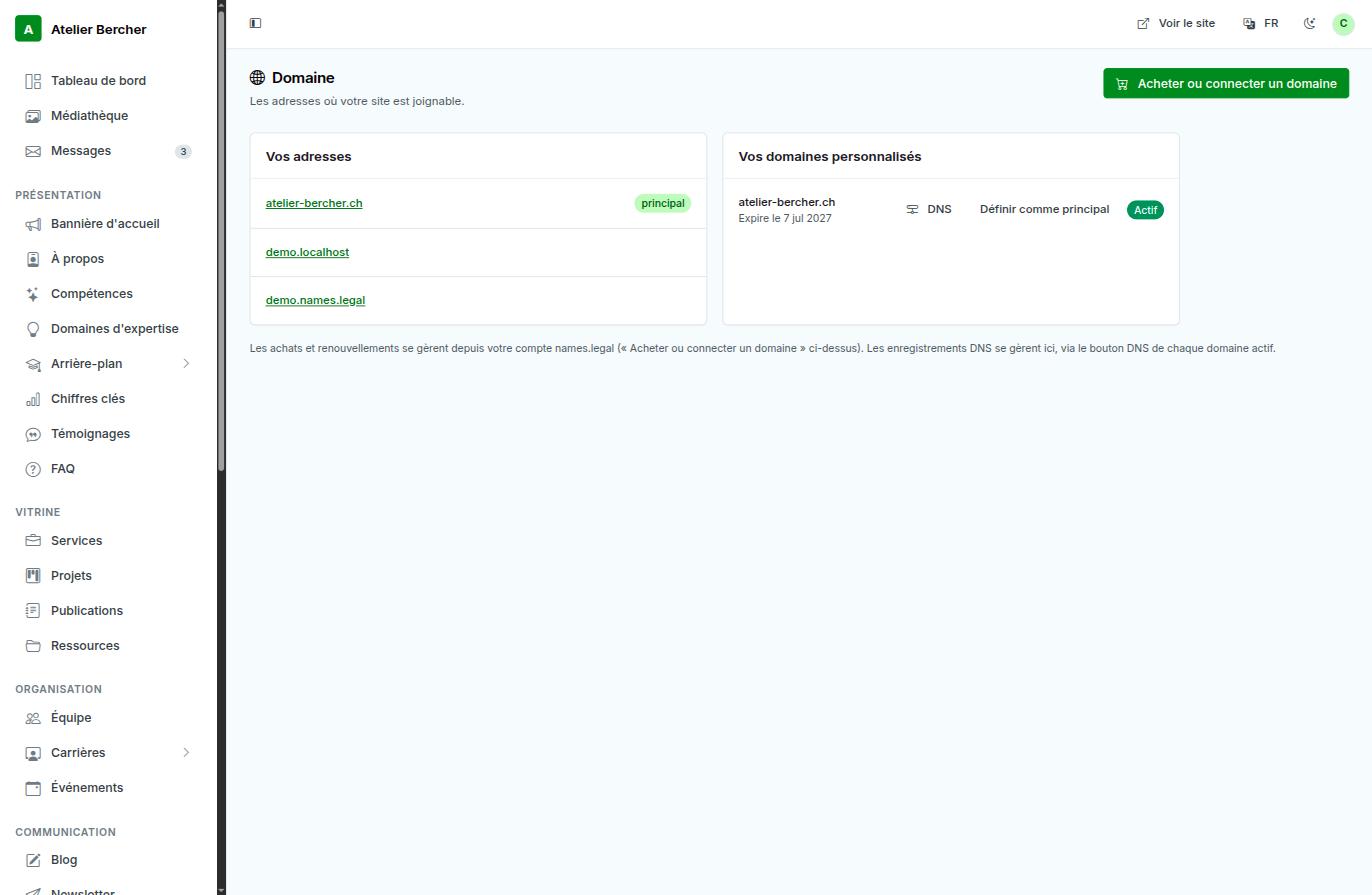
Two situations
You do not own the domain yet. Buy it with Buy or connect a domain. It is registered in your name, the DNS is configured automatically, and the certificate is issued without you doing anything. This is the path with the fewest ways to go wrong.
You already own it elsewhere. Add it in the same place and point it at us. You keep your registrar; only the records change.
What to expect once it is pointed
- Propagation. A DNS change is not instant. Usually minutes, occasionally a few hours. During that window some visitors see the new address and others do not — this is normal and it ends on its own.
- The certificate. HTTPS is issued automatically on the first visit to the new address. If you see a warning immediately after pointing the domain, wait a minute and reload before worrying.
- The old address keeps working. Your subdomain does not stop; anyone who bookmarked it is not lost.
Making it the main address
Set as main decides which address your site uses when it builds a link to itself — in emails, in the sitemap, in what search engines index. Do it once the domain answers correctly, not before.
Renewal
The expiry date is shown next to each domain. Renewal is handled from your names.legal account, and we write to you before it lapses. A domain that expires takes the site and the email with it, which is why the date is on the screen rather than in a file.
We do not take ownership of a domain you already own, and we do not change records unrelated to your site or your mail. If you host something else on the same domain, tell us before pointing it: that is the one case where a record we add could replace one you rely on.